CHOOSING A DIARY
Paper vs App Migraine Diary: Which Fits Your Routine?
A paper migraine diary can be the right choice even when a tracking app exists. An app can be the right choice even when a printable is free. Start with what makes the next entry easier, then compare how you want to look back and share your record.

Start with the moment you actually make an entry
Think about where you tend to record things. If a notebook is already beside your bed, paper may be the easiest place to leave a short note. If you remember details while away from home, a phone may be more convenient.
Consider comfort as well as convenience. There may be days when you do not want to look at a screen, or days when you cannot find the paper you meant to use. You can make a brief note in the available format and transfer it later, clearly preserving which details were recorded at the time and which were added from memory.
The National Headache Foundation emphasizes manageable tracking rather than collecting everything immediately. The choice is less about having the most fields and more about being able to keep the details that matter to your own conversation with a healthcare professional.
Choose paper when flexibility matters most
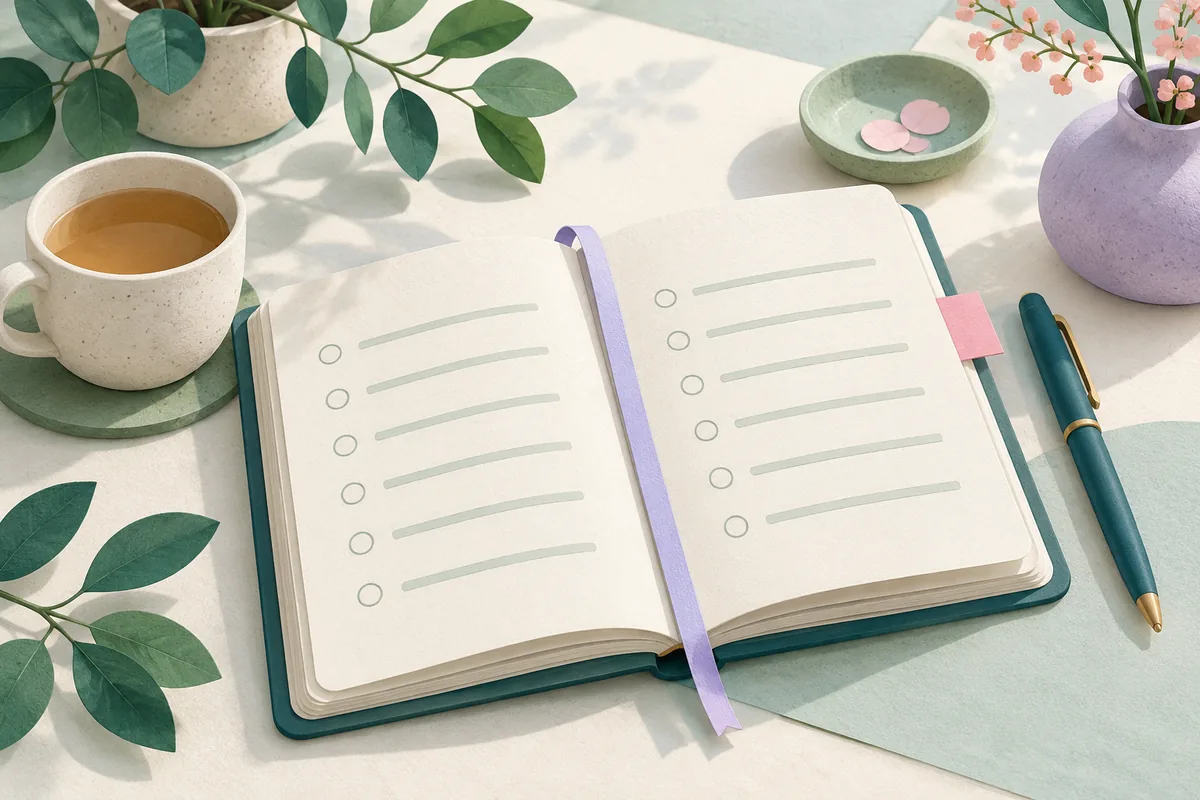
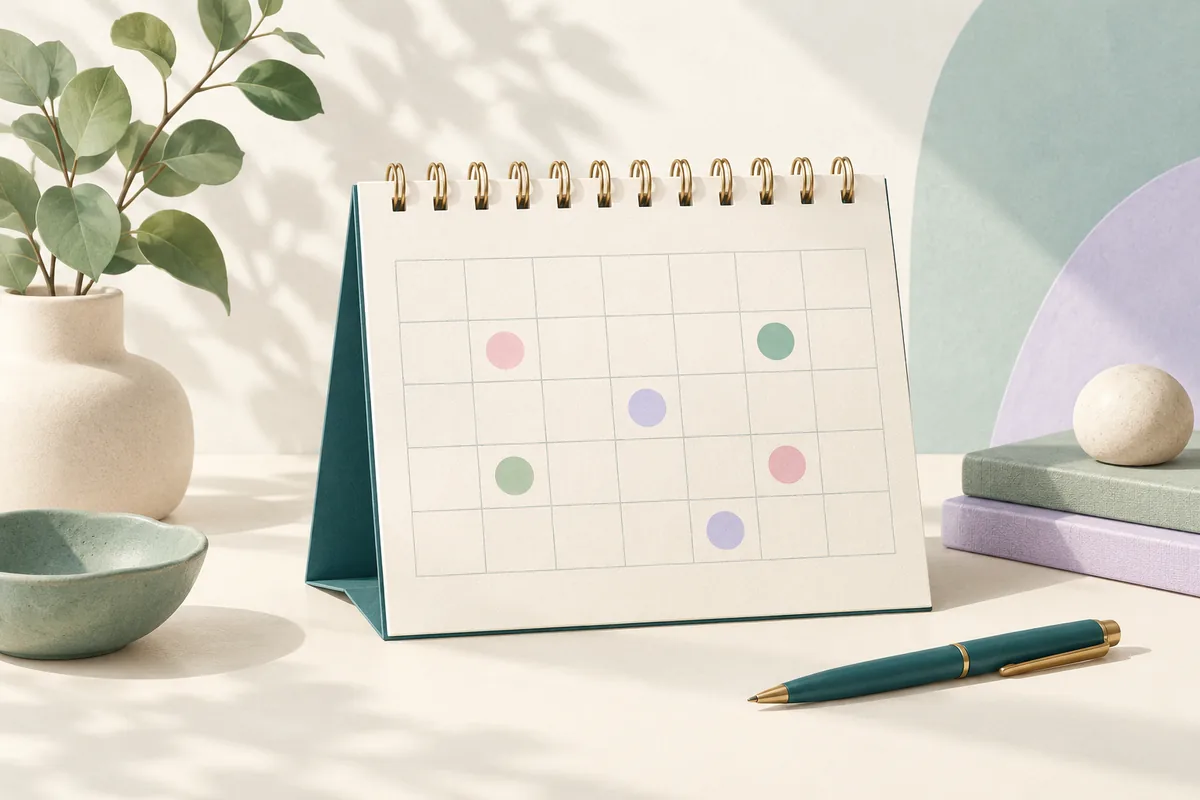
Paper lets you draw, cross things out, write in the margin, and choose your own shorthand. It needs no device battery or app setup. A printed monthly sheet can stay beside a daily diary, and you can bring both to an appointment.
The tradeoff is organization. Pages need dates, a consistent key, and a safe place to live. Searching for every entry that mentions a particular medicine may take longer than looking through a digital record. A photo can preserve a copy, but the place you store that photo has its own privacy implications.
Start with the free daily headache diary for a simple page, or the detailed migraine template for more writing room. Both come in US Letter and A4. You can use them without installing Calmira or providing an email address.
Choose an app when looking back needs less work
An app can bring the attack entry, calendar, and report into the same place. That can be helpful when loose notes become difficult to review. Structured fields also make it easier to use the same terms repeatedly, while notes preserve details that do not fit a tag.
Calmira’s iPhone diary includes attack timing, pain, symptoms, possible-trigger tags, medicines, and notes. It also offers a calendar, recorded-history insights, in-app pressure context, and shareable PDF reports. Check the current app and plan for the options available to you.
Structured fields have limits. A tag can make an observation look more definite than you intended unless you add context. Neither an app pattern nor a paper pattern proves causation. The diary format does not turn your entries into a diagnosis.
Compare sharing, privacy, and cost before deciding
Ask a few concrete questions. Can you show or print the period your clinician wants? Can you read the record without explaining every symbol? If your phone changes, what backup or export options are actually available? With paper, how will you keep the originals and any copies secure?
Read an app’s current privacy information rather than assuming that a diary on your phone is entirely offline. Calmira’s policy describes local log storage as well as processing for optional features and supporting services. The optional AI assistant sends a summary for processing. Read the full policy on our privacy page.
For cost, compare the features you need today. Calmira is free to download with optional in-app purchases; current pricing and plan details are in the app and App Store. The website’s printable diaries are free. Do not assume every app feature is included simply because installation is free.
You can use both without maintaining two competing diaries
Choose one record as your main history. If you jot a paper note while away from your phone, transfer the useful details later and mark it as transferred. Keep the original when it contains information you have not copied.
A monthly paper overview and a detailed phone diary can also serve different jobs. Make the date range and meanings consistent so you do not mistake a missing app entry for a confirmed symptom-free day.
The Migraine Trust recommends keeping the basic information clear and simple. Try the format that removes the most friction from your next entry. You can change the format as your routine changes, while keeping earlier records accessible and clearly dated.
Sources and further reading
Sources checked October 24, 2026. Product descriptions refer to Calmira; source organizations do not endorse the app.
Keep your next entry in Calmira.
Record your experience on iPhone, then revisit your calendar and history when you need them. Free to download, with optional in-app purchases.
Download on the App StorePrefer paper? Get a free diary