A NUDGE, WHEN YOU WANT ONE
Migraine diary reminders.
A gentler routine.
A reminder can help you return to a habit without making it another thing to hold in memory. Calmira includes several notification types, so you can choose which ones fit your routine.
Download on the App StoreFor iPhone. Free to download. Optional in-app purchases.
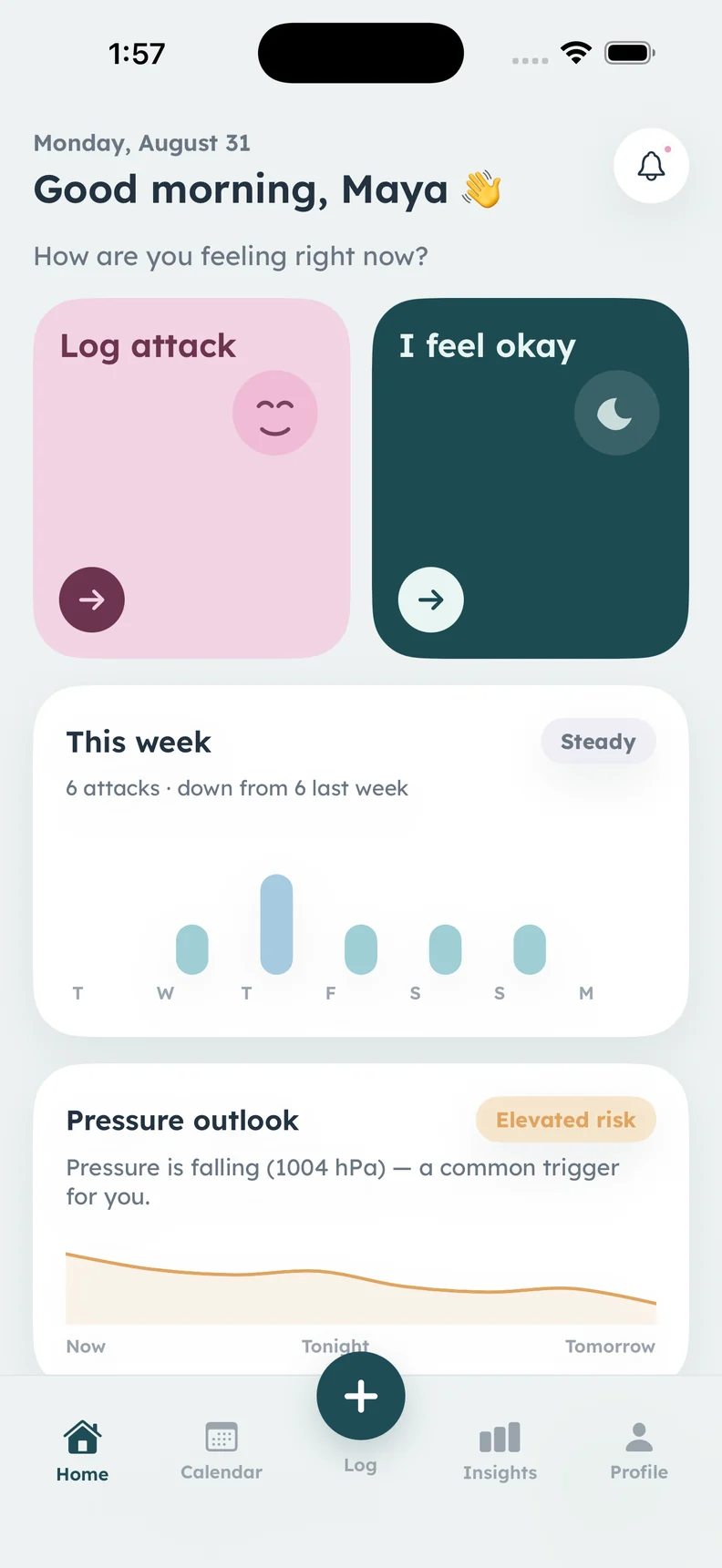
Real Calmira home screen. Notification examples and settings are not pictured.
A CLOSER LOOK
What it helps
you keep track of.
- Diary reminders after gaps in logging
- Medicine reminders and follow-ups
- Weekly summary and monthly review notices
- Optional pressure-alert preferences
Return to the diary after a gap
The app documentation describes gentle prompts after three and seven days without a log. A prompt gives you a chance to record what you remember, not a requirement to reconstruct every missing detail. You can label a late entry as approximate and leave unknown information unfilled.
Keep a dose reminder in its proper role
Medicine reminders and follow-ups support the schedule you use in the app. They do not determine what medicine is appropriate, whether another dose is safe, or whether an earlier dose was taken. Record what happened and follow your existing care instructions.
Make space for a weekly or monthly look back
A weekly summary or monthly review notice can help you revisit recorded history when it suits you. Look at the underlying entries and any gaps, then note questions for a later conversation. Receiving a summary does not mean that the app has established a clinical pattern.
Choose how much you want to hear
Notification types can be turned off in the app, with delivery also depending on your iPhone permissions and settings. Pressure alerts are an optional weather feature, not a guarantee of an attack. Keep the notifications that help you and simplify the routine if the prompts feel burdensome.
ABOUT THIS FEATURE
A little more clarity.
Can I turn reminders off?
Should I rely on an alert for a treatment decision?
KEEP THE PICTURE CONNECTED
Connect the rest of your diary.
Keep the detail, the context, and the conversation connected. Explore the tools and guidance that fit this part of your routine.
Log medicines and dose responses
Log medicines and dose responses in Calmira, with schedules, reminders, and recorded history to discuss at your next healthcare appointment.
Take a closer look In the appKeep weather context in your diary
See barometric pressure context and forecasts in the Calmira iPhone app, and keep weather observations alongside your migraine diary entries.
Take a closer look In the appKeep a migraine diary in Calmira
Keep a migraine diary on your iPhone with Calmira. Record attack timing, pain, symptoms, possible triggers, medicines, and notes in one place.
Take a closer lookYOUR NEXT CHAPTER, WITH A LITTLE MORE CONTEXT
Start with today.
Let the picture build.
Your next entry doesn't have to be perfect. It just has to be yours.
For iPhone · iOS 17 or later
Free to download. Optional in-app purchases.