KEEP YOUR DIARY IN FAMILIAR WORDS
A migraine diary.
In your language.
Choose the language that makes recording feel more familiar. Calmira’s app-language setting follows you through the diary, notifications, reports, and the optional AI assistant.
Download on the App StoreFor iPhone. Free to download. Optional in-app purchases.
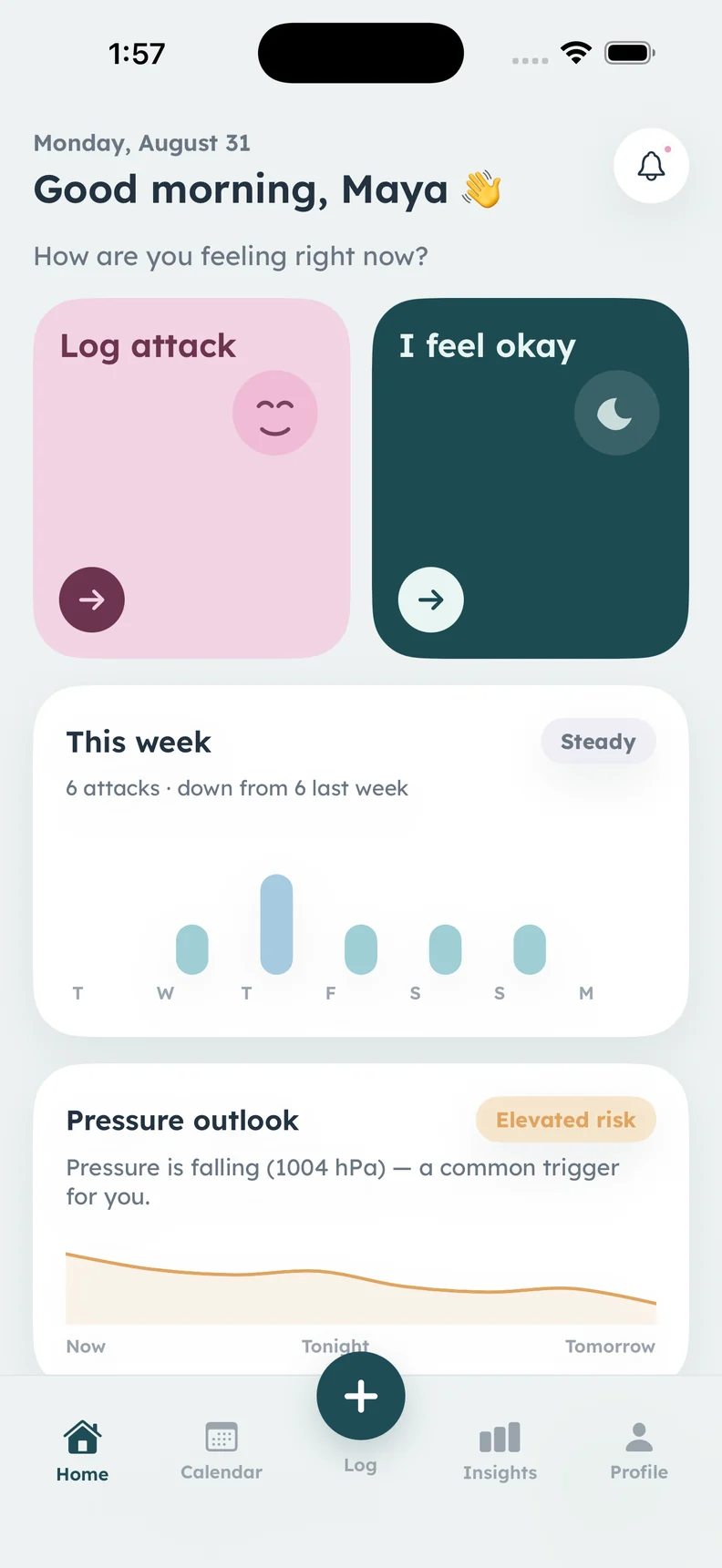
The English app screen is shown. Other language interfaces are not pictured.
A CLOSER LOOK
What it helps
you keep track of.
- 13 app languages
- A language choice inside the app
- Arabic and Hebrew right-to-left layouts
- Reports and notifications in your app language
Choose from thirteen languages
Calmira supports English, Arabic, Hebrew, German, French, Spanish, Italian, Portuguese (Brazil), Dutch, Turkish, Polish, Japanese, and Korean. Pick the language inside the app rather than needing to change the language of your entire iPhone.
Keep the interface and its messages together
The app-language choice also applies to notifications, doctor reports, and optional AI answers. This can help you stay with familiar terms as you move between making an entry and reviewing it. Your personal notes remain the words you wrote; choosing an interface language is not a promise to translate every existing note.
Use layouts that follow the language
Arabic and Hebrew use right-to-left presentation, including the doctor report. Arabic dates use Western digits on the Gregorian calendar, as described in the app documentation. Latin-language screens use Lexend, while other supported writing systems use the iPhone system font.
Share a report with context
Choose the report and app options that fit your conversation, then preview the actual PDF before sharing. Check that dates, names, and your own notes appear as intended. A localized report makes the recorded information accessible in that language; it does not replace clinical interpretation or professional translation when one is needed.
ABOUT THIS FEATURE
A little more clarity.
Does changing the app language change my iPhone language?
Does the English website have thirteen translated versions?
KEEP THE PICTURE CONNECTED
Connect the rest of your diary.
Keep the detail, the context, and the conversation connected. Explore the tools and guidance that fit this part of your routine.
Explore Calmira’s app themes
Choose Soft Pastel, Calm Dark, True Dark, or System appearance in Calmira. Adjust the app’s look while keeping the same diary and tracking features.
Take a closer look In the appPrepare a migraine diary report
Bring your recorded migraine history to an appointment. Calmira can create a PDF report of attacks, possible triggers, medicines, and diary trends.
Take a closer look Calmira informationGet help with Calmira
Get help with Calmira. Contact the support team, find Apple subscription and refund information, or read answers about the migraine tracking app.
Take a closer lookYOUR NEXT CHAPTER, WITH A LITTLE MORE CONTEXT
Start with today.
Let the picture build.
Your next entry doesn't have to be perfect. It just has to be yours.
For iPhone · iOS 17 or later
Free to download. Optional in-app purchases.