KEEP YOUR RECORDED HISTORY WITH YOU
Migraine diary backup.
Keep your history.
A diary can represent months of small entries. Calmira includes file-based backup and restore, plus CSV import, to help you keep that history when your recording routine changes.
Download on the App StoreFor iPhone. Free to download. Optional in-app purchases.
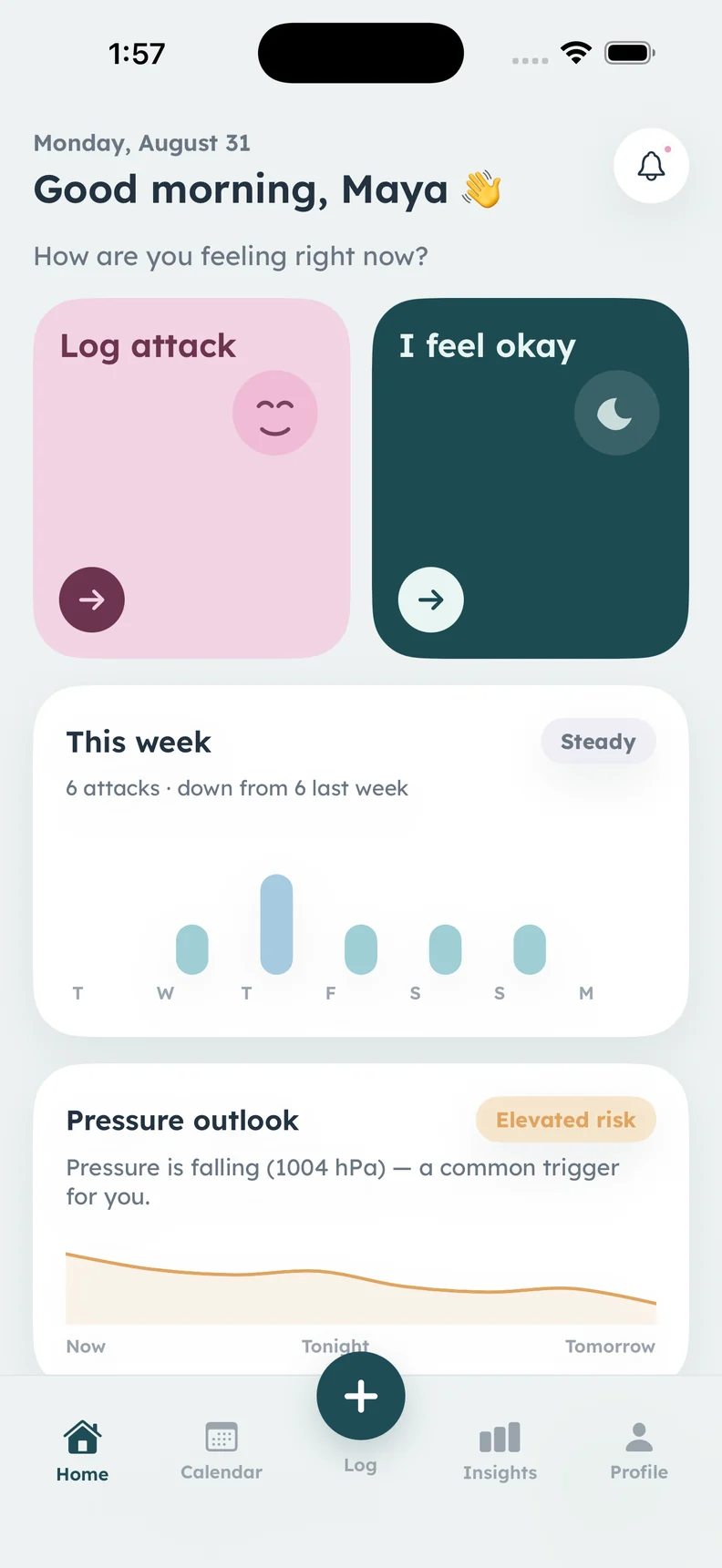
Real Calmira home screen. Backup and import controls are elsewhere in the app.
A CLOSER LOOK
What it helps
you keep track of.
- File-based backup and restore
- CSV import from another tracker
- Health logs stored on your phone
- No Calmira account required to begin
Keep a backup file somewhere you choose
Calmira can create a file backup of your diary for later restoration. Choose a storage location you can find again and protect appropriately: a health-history file may contain sensitive information. A saved file is separate from an assumption that every entry is automatically synchronized to a cloud account.
Bring an existing CSV history
CSV import offers a way to bring records from another migraine app into Calmira. Export formats can differ, so keep the original export before importing and check the resulting dates and details. Do not delete your previous record simply because an import action completed.
Check the record after a move
When restoring or importing, revisit a few known entries across the time period you expect. Compare dates, timing, and relevant details with your original record. If anything is unclear, retain both copies and contact support rather than making an uncertain version your only history.
Know what local storage means
Health logs are stored on your phone and you can start without a Calmira account. Optional features and supporting services have separate data practices, including the AI assistant’s summary processing. File backups also follow the privacy practices of wherever you choose to store them. Read the full app policy for context.
ABOUT THIS FEATURE
A little more clarity.
Does CSV import guarantee every other app’s format will work?
Is a PDF report the same as a restorable backup?
KEEP THE PICTURE CONNECTED
Connect the rest of your diary.
Keep the detail, the context, and the conversation connected. Explore the tools and guidance that fit this part of your routine.
Understand Calmira’s data practices
Read Calmira’s full app privacy policy here, including local storage, optional AI processing, analytics, your choices, and website data practices.
Take a closer look In the appKeep a migraine diary in Calmira
Keep a migraine diary on your iPhone with Calmira. Record attack timing, pain, symptoms, possible triggers, medicines, and notes in one place.
Take a closer look In the appPrepare a migraine diary report
Bring your recorded migraine history to an appointment. Calmira can create a PDF report of attacks, possible triggers, medicines, and diary trends.
Take a closer lookYOUR NEXT CHAPTER, WITH A LITTLE MORE CONTEXT
Start with today.
Let the picture build.
Your next entry doesn't have to be perfect. It just has to be yours.
For iPhone · iOS 17 or later
Free to download. Optional in-app purchases.